How to use the Short.io API
The Short.io API features can only be accessed with an API key.
The API functionality is available on every price plan. The only prerequisite is that you are a registered Short.io user.
Main API features
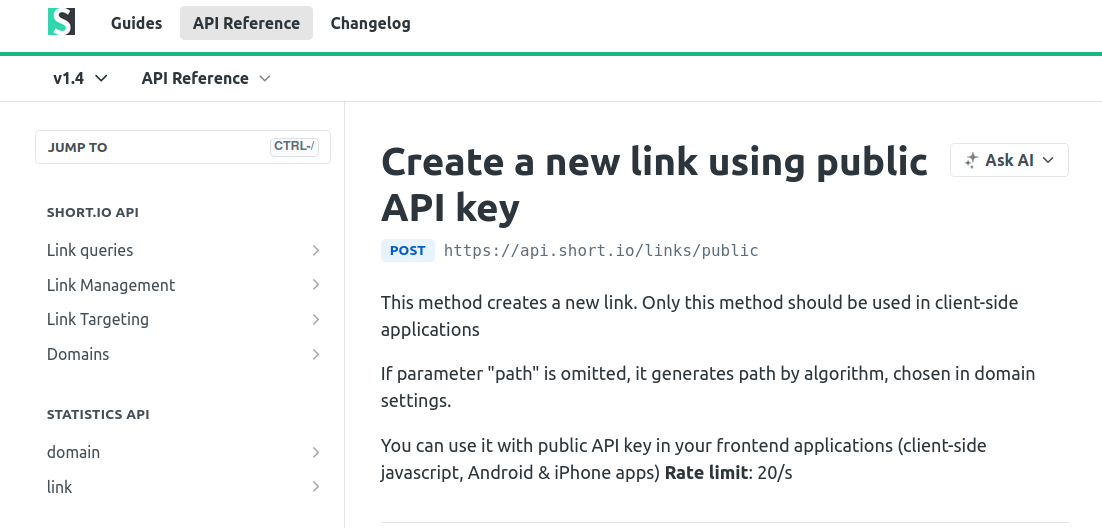
In the Short.io API reference section, you will find Link queries (e.g., Get link info, List links), Link Management (e.g., Create link, Update link, Delete link, Generate QR codes), Link Targeting (e.g., Get/Create link country & region targeting), and Domains (e.g., List domains, Get domain details, Update domain settings). The Statistics API includes domain-level and link-level metrics, such as Domain statistics, Link clicks, and Most popular links endpoints. Commonly used methods include creating a new short link, retrieving link details by ID, listing links for a domain, and fetching link click statistics.
How to test the code
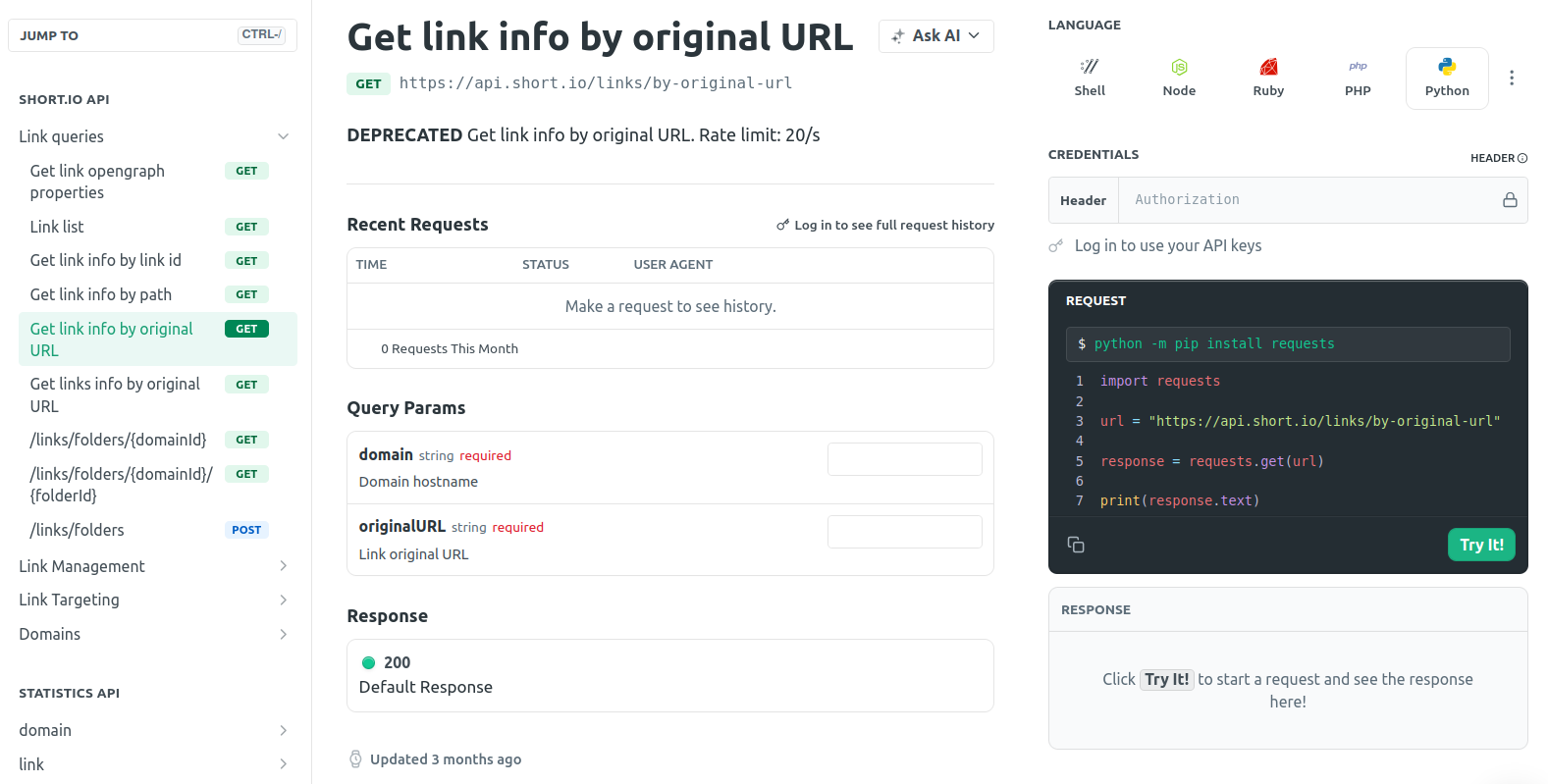
You can test the code directly in your browser. To do this, navigate to the API reference section of our Developers hub and select the needed operation. Next, provide the required data and click the Try it button.
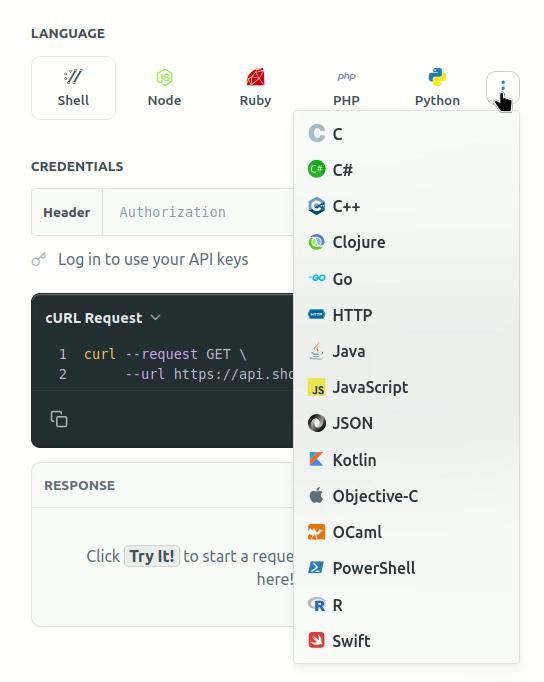
Short.io supports a variety of programming languages to choose from:
API Limits
-
We have 20-50 RPS limit for our API calls to protect Short.io from DoS attack
-
You can create 1000 links per one API call (1 API call per 5 sec)
How to create an API key
To pass the authentication process, you need to send an API key as Authorization header. You can create API keys as follows:
-
Sign in to your Short.io account.
-
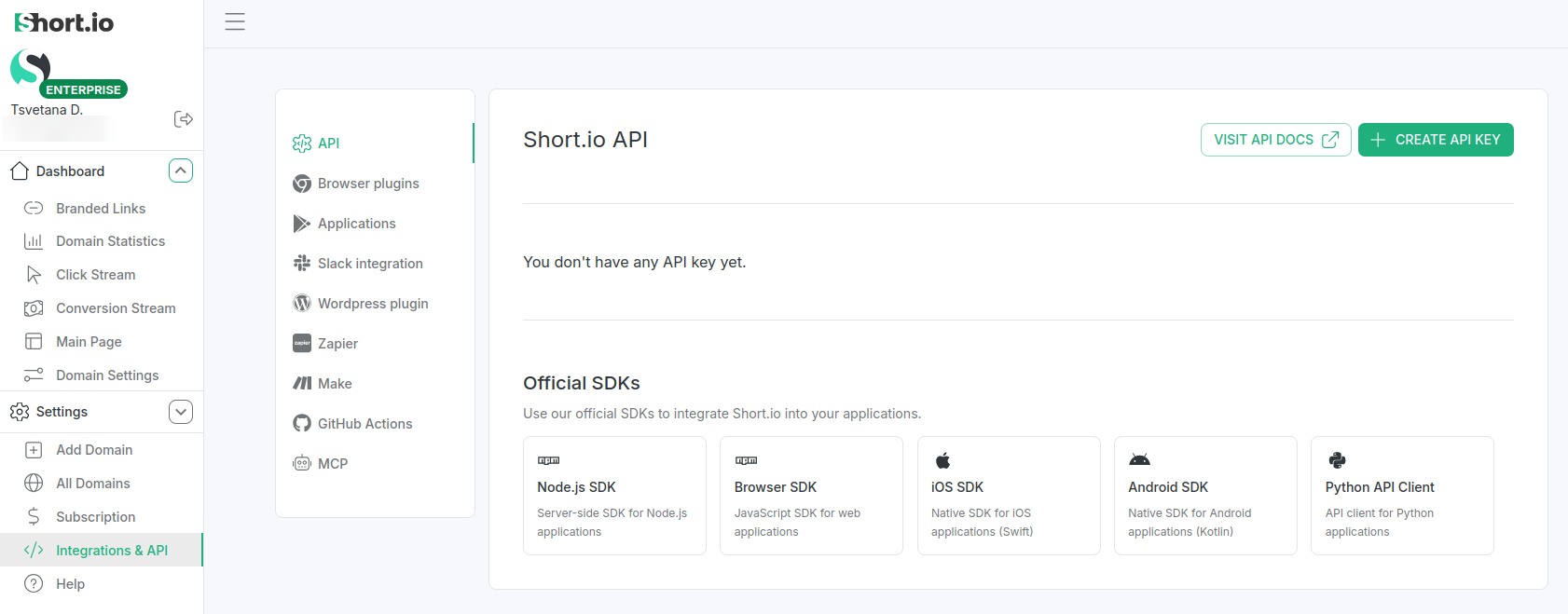
Navigate to the Integrations & API menu -> API:
-
Click the Create API key button.
-
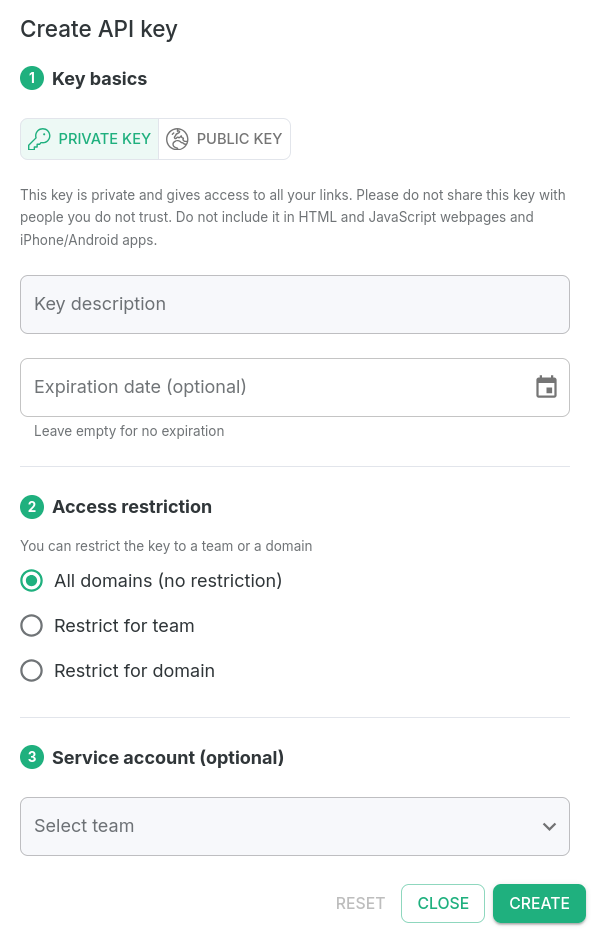
In the next screen:
-
in Key basics section
-
select the key type - Public or Private
-
(optionally) provide Key Description
-
(optionally) set Expiration date or leave empty for no expiration
-
-
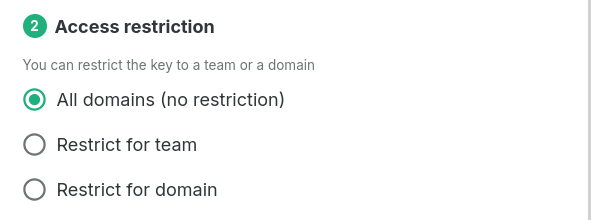
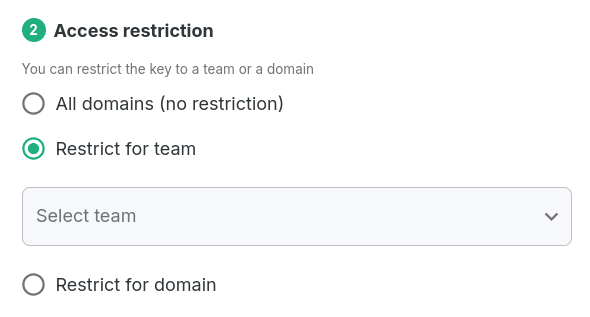
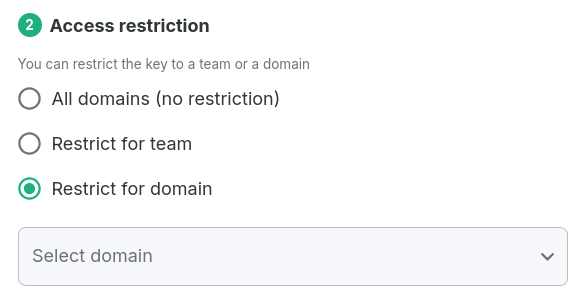
in Access restrictions section
- select the API key access level - All domains (no restriction), Restrict for team or Restrict for domain
-
Service account (optional)
- you can optionally select a service account to use for this API key
-
-
Click the Create button to confirm.
-
In the next dialog you can copy the newly created key and then use it in your requests:
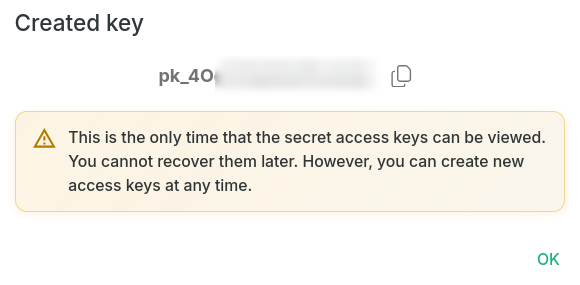
This is the only time that the secret access keys can be viewed. You cannot recover them later. However, you can create new access keys at any time.
API Guides
You can find detailed instructions on how to send API requests in the following link: https://docs.short.io/category/api-guides
Used programming languages: Python, Node.js, and Ruby.
If you have any questions about the Short.io API, contact us directly at support@short.io.